Your language and personal settings
Use Settings to choose the console language.
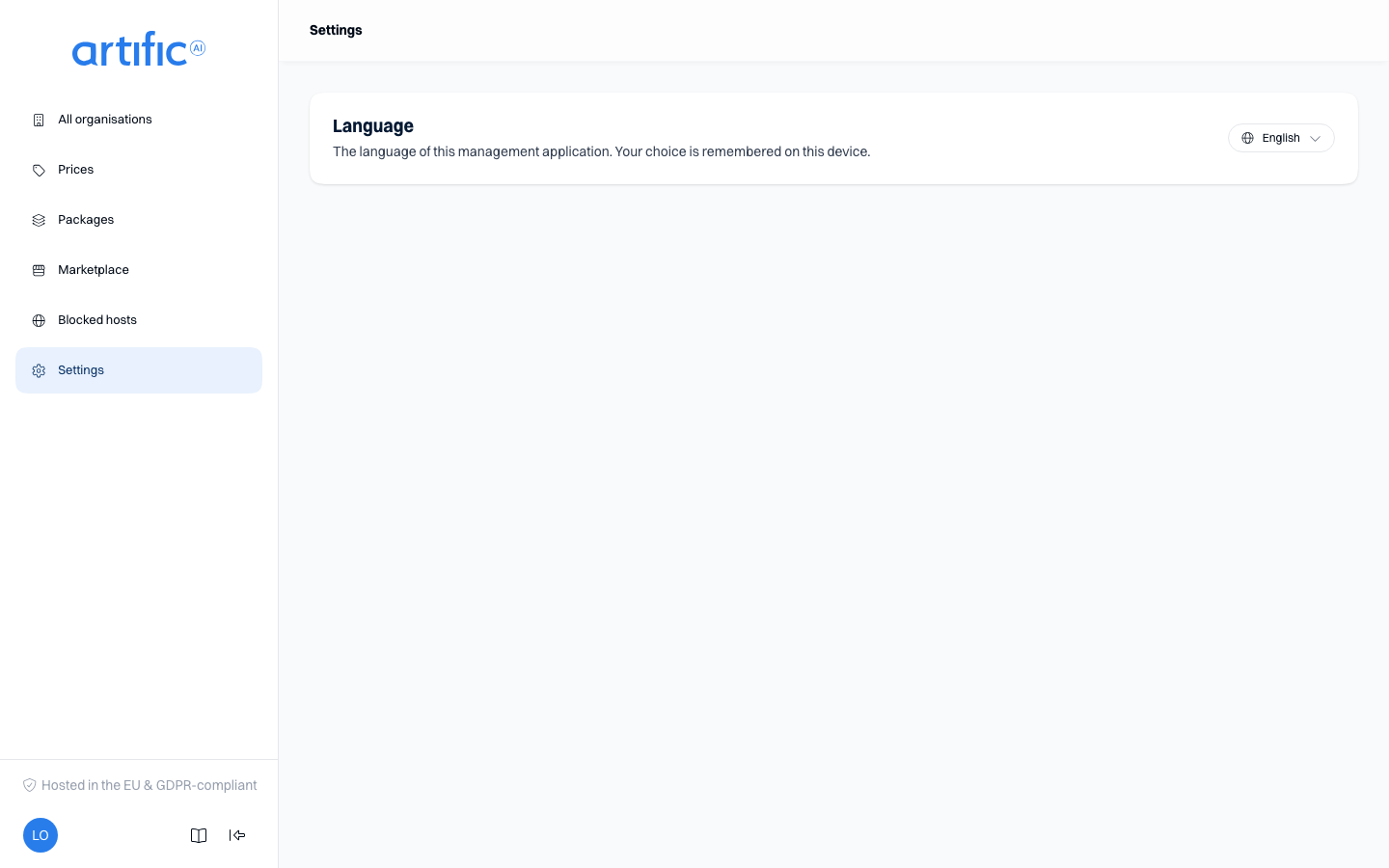
Open Settings from the Settings link at the top of the sidebar (not the organisation's own Settings section further down), or from the account menu under your avatar at the bottom of it; on a phone, it is Profile and account under More. In
Language, choose Nederlands or English. The choice is saved on this device and updates the URL
to /nl/... or /en/....
The selected language also applies to dates, numbers and sign-in pages.
Change your name, password or authenticator settings through your organisation’s identity provider. Organisation settings are available on the organisation’s own sections.