Computers in the console
The concept behind tools is explained in Tools.
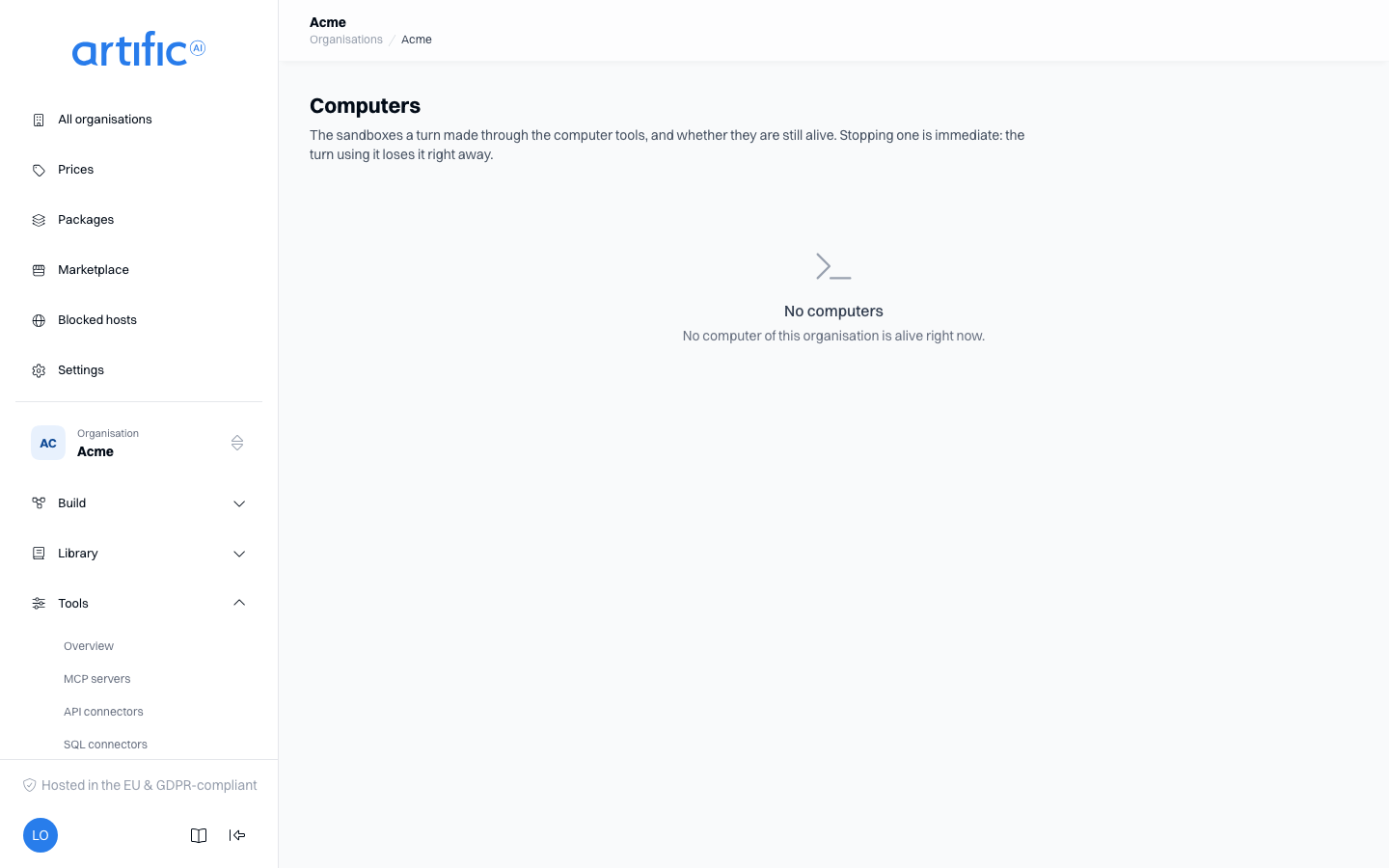
A computer is an isolated machine on which the model runs commands and reads and writes files during a turn, through the three computer tools. The Computers section, under Tools in the navigation, shows this organisation's computers that are still alive and lets you stop one. You do not create a computer here: one comes into being when a turn calls a computer tool, and goes away when that response is done. How an application uses computers is on Computers through the API. A call of one of your organisation's scripts runs on a computer too, so it appears here while it runs.
You need an administrator account of the organisation, and the computer capability has to be on
in the organisation's ceiling.
Switch computers on for a key
- The organisation must permit computer under Permitted capabilities. An organisation that existed before computers did does not permit it automatically; an operator or the administrator of the organisation above switches it on.
- Open the key on Keys and enable tooling and computer.
- Under System tools, check Use a computer. That one switch offers all three computer tools to this key.
- Also enable files if the model should read a turn's attachments, and artifacts if you want files back from the computer.
The limits per key — how long a command may run, how long a computer may exist and how large its disk is — are not in the form. An application sets them over the API (Limits per key).
The list
| Column | What it shows |
|---|---|
| Pool | where the computer runs, as your operator set it up for your organisation |
| Status | Starting while the machine is being made, Ready once it accepts commands |
| Turn | the response that made the computer; the link opens the traces of that response |
| Started | when the computer was asked for |
| Until | until when the work that made it holds it. This moves on while that work continues; once the moment has passed, Core cleans the computer up on its own shortly after |
The list shows only computers that are still alive. A computer lives as long as the turn using it, often a few seconds or minutes, so the list is usually empty and shows No computers. What ran before is in usage and the audit trail, below.
Stop a computer
- Open the computer's row menu and choose Stop.
- Confirm in the Stop this computer? dialog.
Stopping is immediate: the turn using the computer loses it right away, and files the model had not yet exported as an artifact are gone. When it does not work, the message gives Core's reason: the computer was already gone, or Core could not reach the machine. In the second case it stays in the list until Core cleans it up later on its own.
What a computer costs
A computer is charged per second: from the moment it was ready to the moment it went away, rounded up to whole seconds. On Usage this kind is called Sandbox time, attributed to the key whose turn made the computer, also when you stopped it here. Your operator sets the price per second; you can put a markup on it. Sandbox time counts towards the monthly cap of the key and of the organisation.
What is recorded
The audit trail records for each computer when it was made and stopped, and how many
seconds it ran. When you stop one here, that is recorded as computer.destroy_requested, in your
name. Each call is recorded as computer.executed with its kind, its duration and, for a command,
its exit code; the command itself, its output and file names never reach the audit trail.
Internet connections
Above the list, Internet connections switches to what your computers opened through Core's proxy: the host, the port, how much was sent and received, when it opened and closed (Still open for a long one), and how it ended as a badge: Allowed, Blocked, Denied, Rate limited, Address refused, Not reachable or Revoked. Type in the host field to narrow the list; the row menu of a computer, Internet connections, shows that computer alone. Only traffic through Core's proxy is listed, and never what crossed: no path, no header, no content.
Empty list and access restriction
No computers means no computer is alive right now.
If you see computer is off for this organisation, that capability is off in the organisation's ceiling. The administrator of the organisation above turns it on under Permitted capabilities on Settings; for an organisation with none above it, your operator does.